Talawa API Docker Container Fails Due to Node Version Mismatch (v23.7.0)

Umar Asif

New member
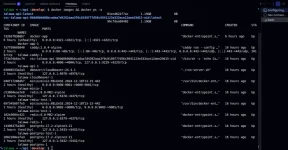
In talawa api documentation, i tried and build containers and up running it. Every container working fine, but when i access api server with port number which is mention in .env.devcontainer file. it is not running. In api container logs, the error is :
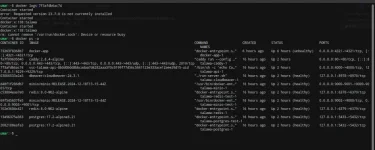
1766749322139.webp

1766748589837.webp

Can someone help me set up the Talawa API project? Without the API, I cannot work with the Talawa Admin project. Talawa Admin is running correctly on port 4321, but I am unable to start the Talawa API.
 
Last edited:
I solved this issue after 2 hours headache, First thing first open the dev remote container and build the containers and run it well as gone. Then the problem will you see that in logs of talawa api is node version 23.7.0 is not currently fine here. You can follow this thing in youtube video where palisdoes guide very well in mute background. Here is the video : talawa_api_youtube_video

Now open a new terminal and then run the first command nvm use 23.7.0 if not install first install it.
Node version: nvm use 23.7.0
Setup DB: pnpm run push_drizzle_schema
Seed Data: pnpm run add-sample_data
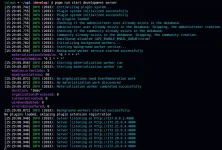
Start API: pnpm run start_development_server

1766762991162.webp

Now it runs fine and give you logs in terminal.

Now in next step you face that your frontend cannot fetch data from server because of URL problem:
Simple change it and restart your container or maybe again build and run the container. It's depend upon your scenario.
REACT_APP_TALAWA_URL=http://localhost:4000/graphiql

Hope it will work for you as well.
 
@Umar Asif

Open an issue in the repository to update the documentation in the appropriate markdown file found in the
docs/docs/docs/getting-started folder
 
Back
Top